Events Calendar

    Don't miss the opportunity to customize your box and shop our major sales each season! Click to subscribe. Dates are subject to change.

    *Instructions to add to Apple Calendar below.
    ADD TO GOOGLE CALENDAR

    Upcoming Events

    November 12

    Winter Box Bill Date 2

    Seasonal Members are set to renew their memberships.

    November 12 - November 18

    Beauty Blowout

    Get your glow on with deep discounts on all things beauty.
    November 19 - November 22

    Annual Access: Black Friday

    No time like the PRESENT to grab your holiday gifts, and annual members get access to our Black Friday sale early!

    November 23 - November 29

    All Access: Black Friday

    Save big on our fave brands in our Black Friday sale. Find everything from Year of Ours to Kendra Scott.

    November 30 - December 2

    Cyber Monday

    Oh, you thought we were done? Get more for LESS during our Cyber Monday Sale.

    December 3 - December 9

    Gift & Gather

    Shop now for your last chance to guarantee delivery by Christmas Eve.

    To Be Announced...

    Check back for updates!

    • SUBSCRIBE TO GOOGLE CALENDAR
    Flat lay of beauty, skincare, and lifestyle products on a white surface, including a marble hair dryer, a cherry almond lotion, bath oil boxes, Milk Makeup items, a gold stud earring set in a red Coach box, tortoiseshell sunglasses, a black cardholder, a jade facial roller, a purple resistance band, and a quilted peach tote bag.

    Instructions on How to Subscribe to Events Calendar Manually

    Please note, some calendar apps may not be compatible with the link above. If you have any questions, please reach out to our Customer Care Team using the Support chat at the bottom right corner of this page for further assistance.
    1. Google Calendar icon

      Google Calendar (Desktop & Mobile)

      1. Click HERE.
      2. Once the calendar opens click the + Google Calendar button in the bottom left hand side of the page to subscribe!
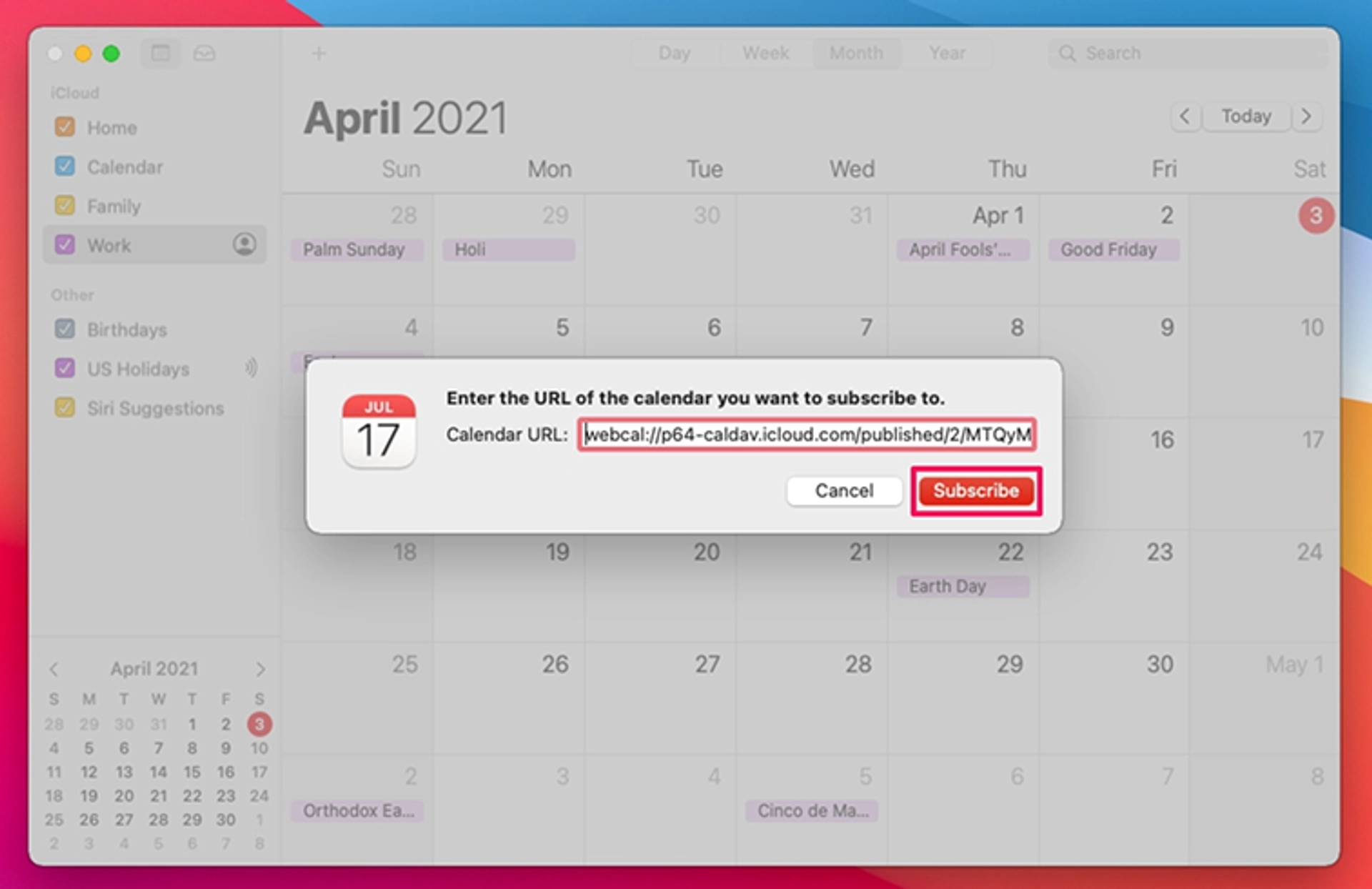
    2. Screenshot of the macOS Calendar app in month view for April 2021, with a dialog prompting "Enter the URL of the calendar you want to subscribe to." The Calendar URL field and the Subscribe button are highlighted with pink outlines.

      Apple Calendar (Desktop)

      1. Open Apple Calendar.
      2. Go to File --> New Calendar Subscription.
      3. Paste this link.
      4. Click Subscribe!
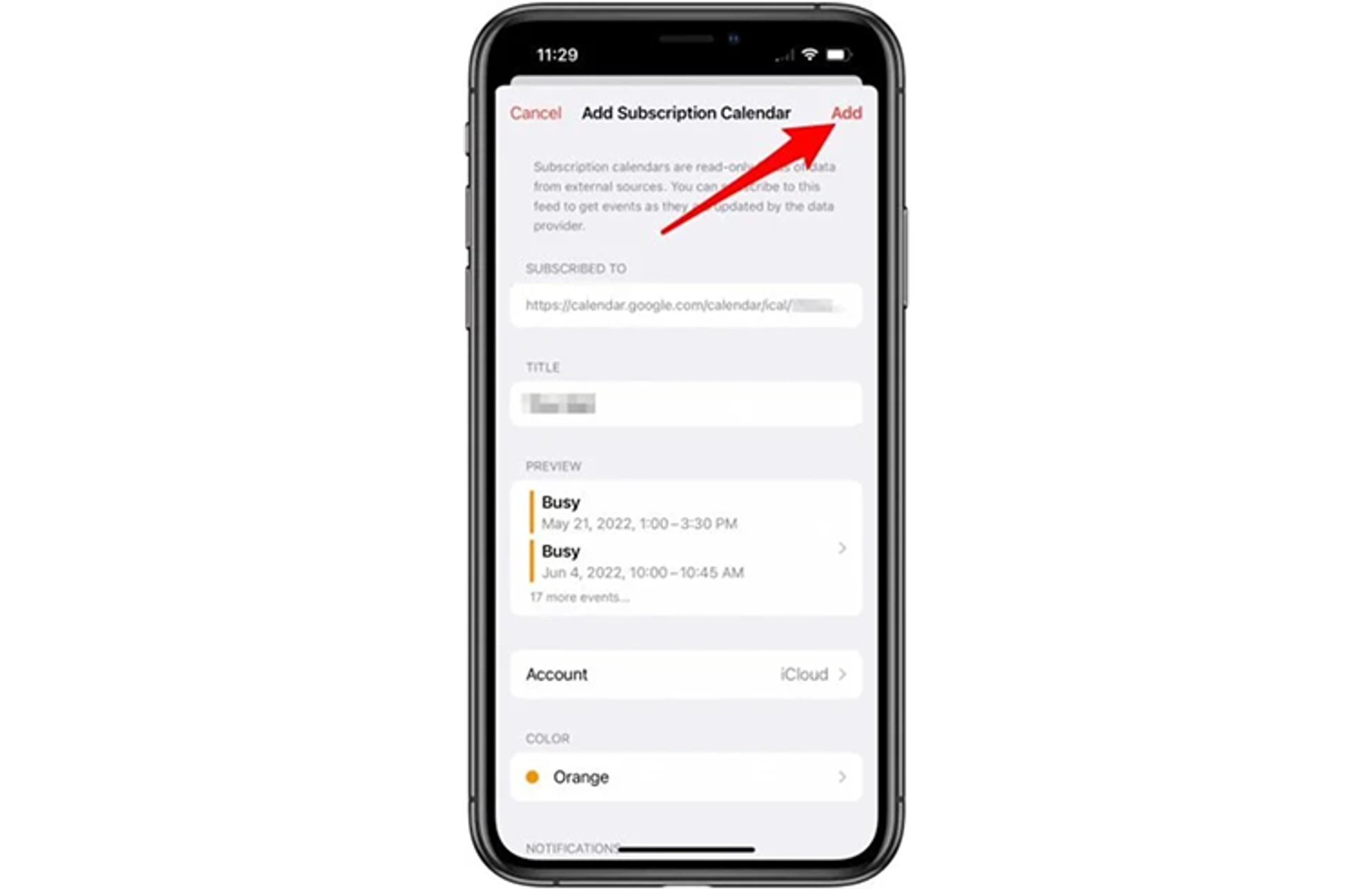
    3. Screenshot of the iPhone "Add Subscription Calendar" screen showing a subscribed Google Calendar URL, a blurred title, a preview of two "Busy" events plus 17 more, the iCloud account, and an orange calendar color, with a red arrow pointing to the "Add" button in the top right.

      Apple Calendar (Mobile)

      1. Open Apple Calendar.
      2. Tap Calendars on the bottom toolbar.
      3. Go to Add Calendar --> Add Subscription Calendar
      4. Paste this link.
      5. Tap Subscribe!

    Don’t Miss a Drop

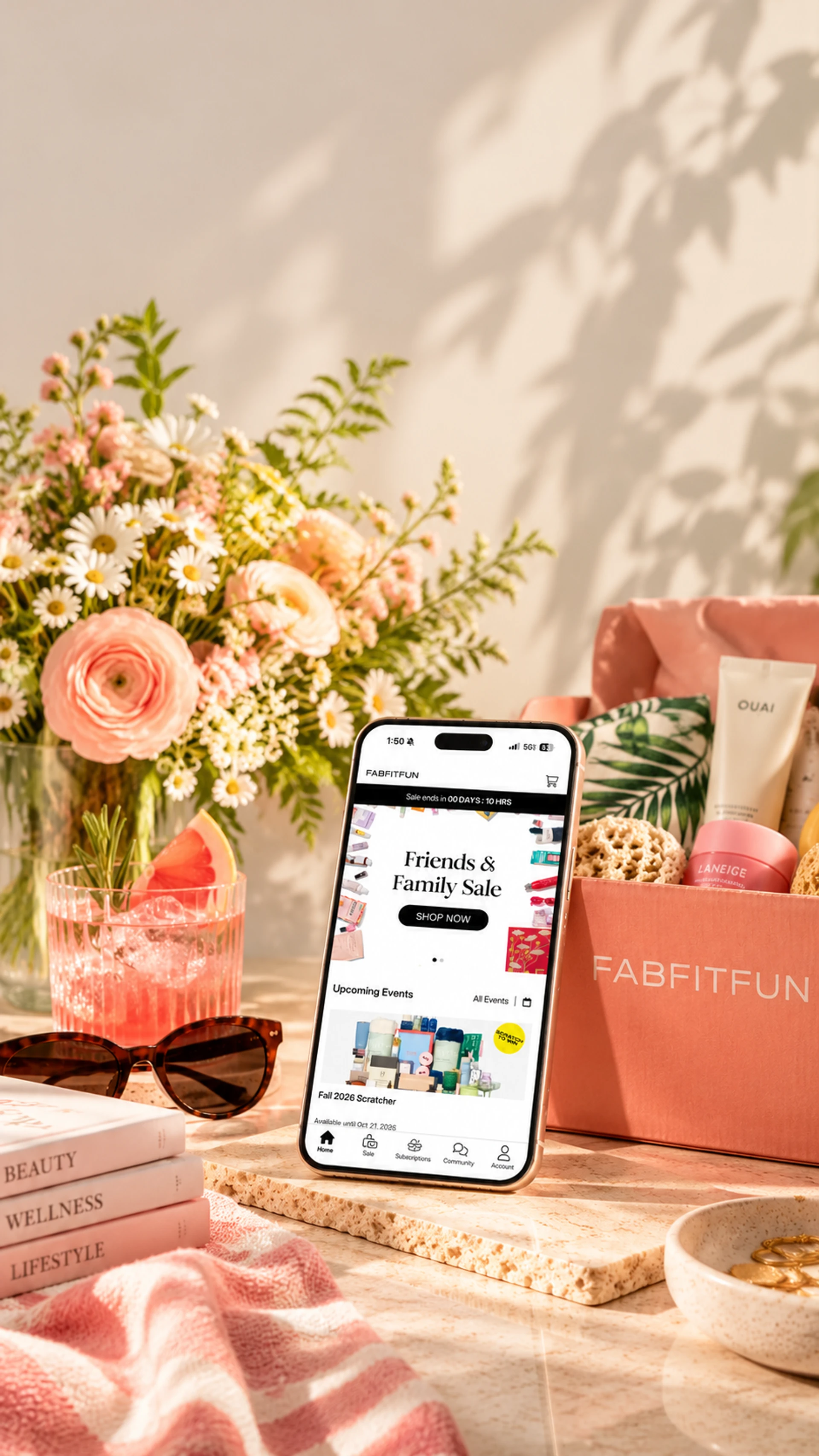
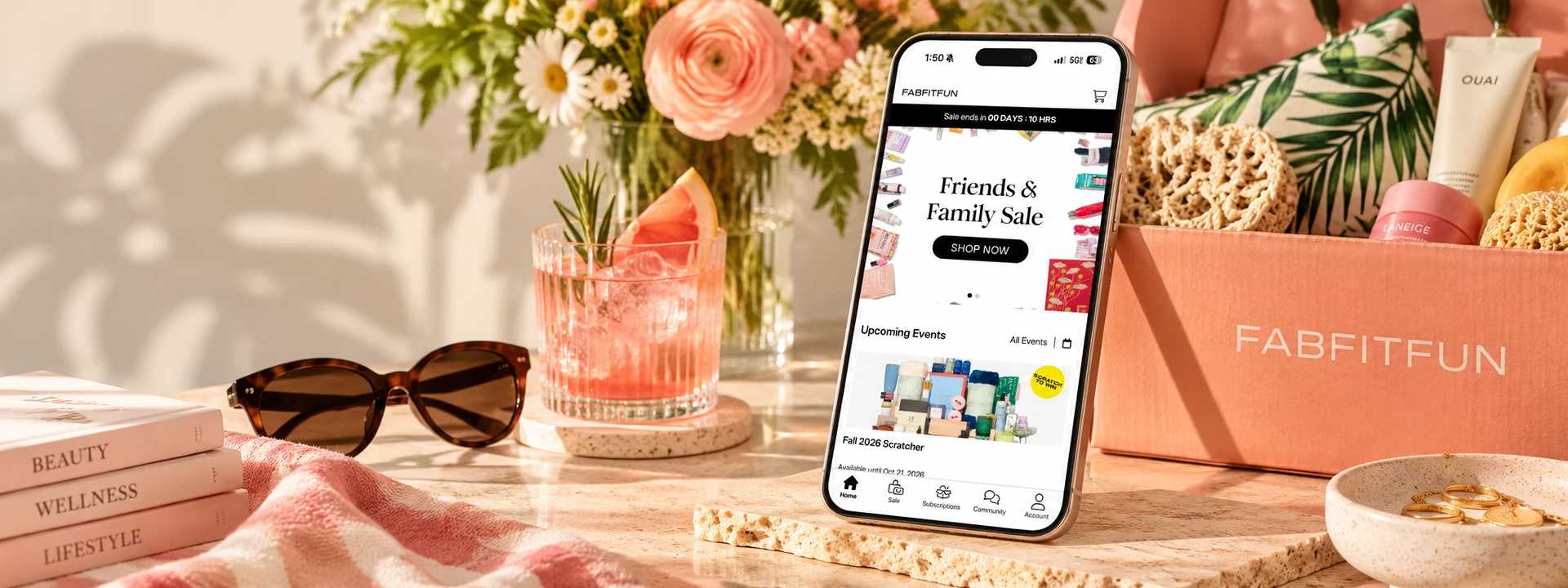
    Turn on notifications in the official FabFitFun mobile app to get event reminders and exclusive app offers.
    DOWNLOAD THE APP
    • Skip to content

    • FabFitFun
      • Gift
      • Login
      • Shop All
      • My Subscriptions
      • Customize
      • Community
      • Magazine
      FabFitFun logo

      Support

      • FAQ
      • Customer Care

      About

      • About Us
      • Careers
      • FabFitFund: We Buy & Invest in Brands
      • Fulfillment Services by FabFitFun
      • Gifting
      • Inquiries
      • Inquiries - Brand Partnerships
      FabFitFun logo
      • © 2026 FabFitFun. All Rights Reserved.

      • Privacy Policy
      • FabFitFun Membership Terms
      • Terms of Use and Sale
      • California Supply Chains Act