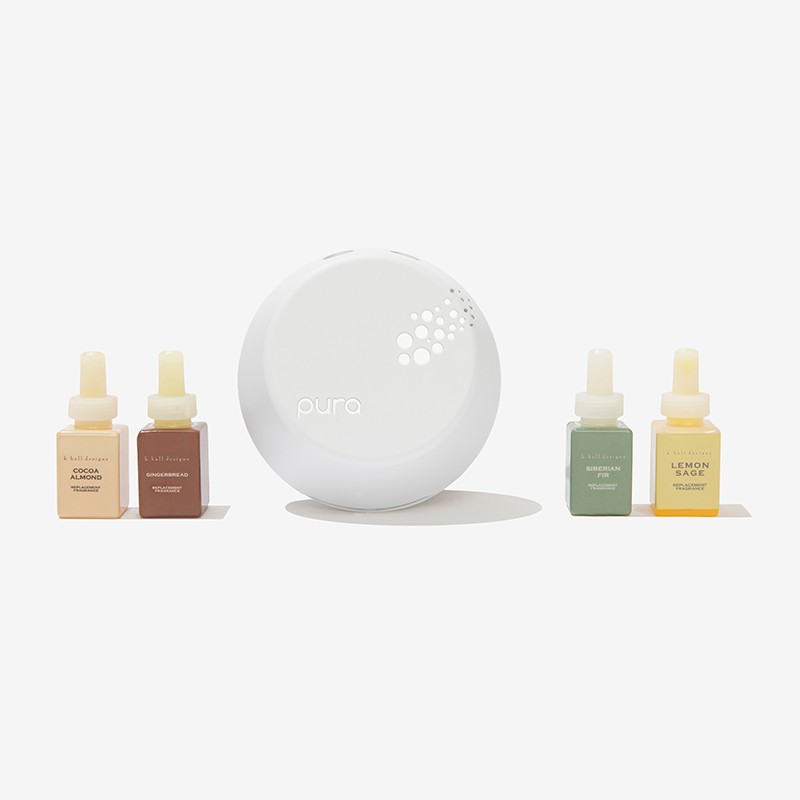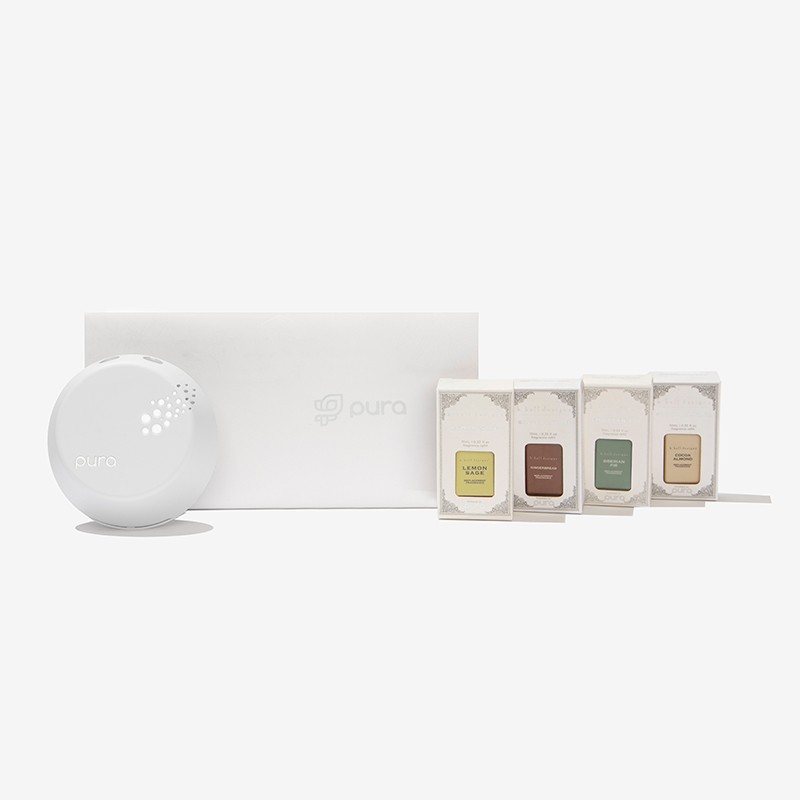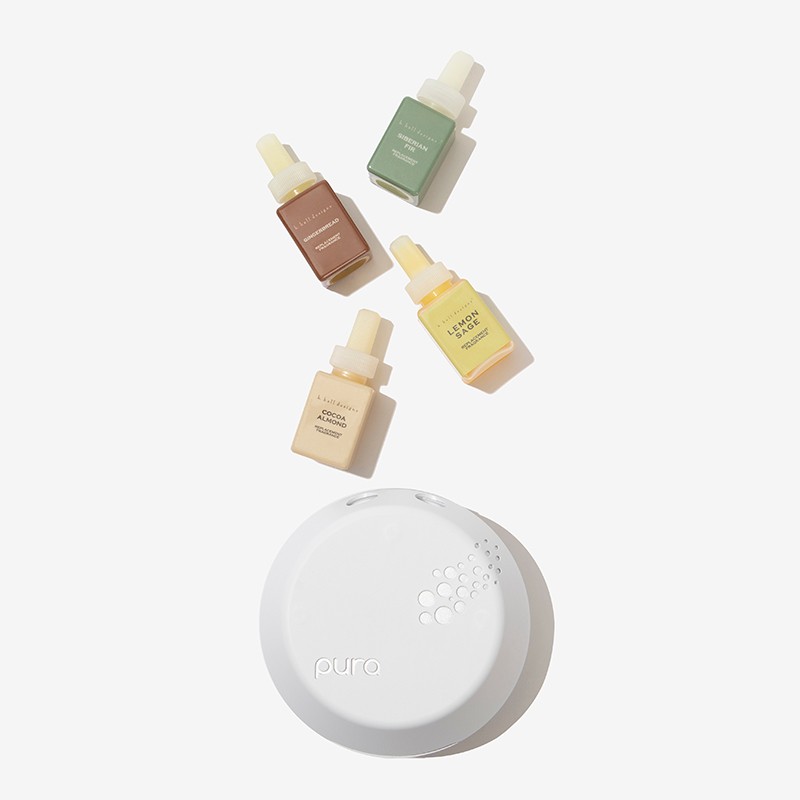
This innovative diffuser elevates any space with its modern design, smart technology, and clean, fresh scents! Use the Pura app to control the diffuser straight from your phone, with vials that last up to 120 hours!
K. Hall Gingerbread,K. Hall Lemon Sage,K. Hall Siberian Fir,K. Hall Cocoa Almond
Gingerbread (K. Hall): Top: cinnamon bark, fresh ginger, Middle: spicy cardamom, nutmeg, Bottom: blonde woods, creamy musk | Lemon Sage: Top: ozonic accord, Middle: lemon zest, Bottom: sage | Siberian Fir: Top: fresh green pine needles, Middle: spices & berries, Bottom: pine wood & clean musk| Cocoa Almond: Top: roasted almond, Middle: hot cocoa accord, Bottom: chocolate latte
0.33 oz each
Download and launch the Pura app. Sign in or create an account to begin setting up your Pura diffuser. Once you've signed in, you'll be taken to the home screen of the app. To set up a new Pura diffuser, tap Connect Your Diffuser. Plug in your Pura diffuser in an upright position, then tap Continue. Wait for your diffuser to show a pulsing blue light. Once it appears, tap Continue. If you have multiple diffusers, the one listed first is the one closest to you. Select your preferred diffuser. Choose your 2.4Ghz home WiFi network, or search for it if it doesn't appear. Note: Password is case sensitive, so don't forget any .Tap Yes to allow camera access. This enables you to scan QR codes to quickly capture fragrance information. Tap Add Fragrances. Scan the QR code on the back of your fragrance vial. Remove the fragrance cap and insert the vial into your Pura diffuser until it clicks. Label which room your diffuser will be in. You can review your settings in the diffuser overview page. Tap Finish to complete your setup process. Confirm diffuser setup and replace the magnetic cover. (If the cover is not sitting on properly, make sure your fragrances are inserted completely into the bay)
Oil base materials - extracted from the source such as flowers, fruits, leaves, and woods