© 2026 FabFitFun. All Rights Reserved.
- Privacy Policy
- FabFitFun Membership Terms
- Terms of Use and Sale
- California Supply Chains Act
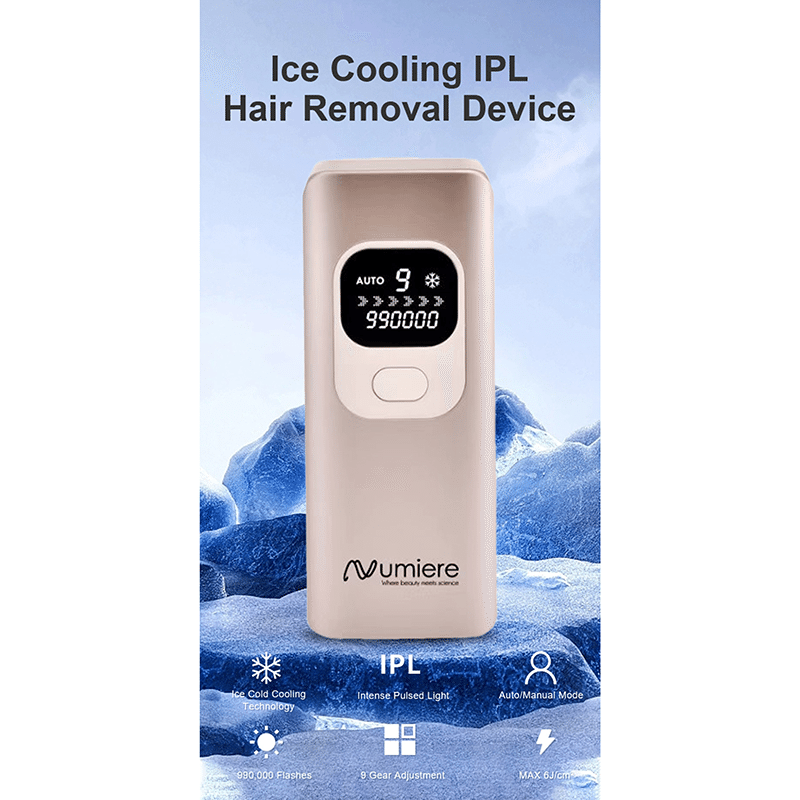
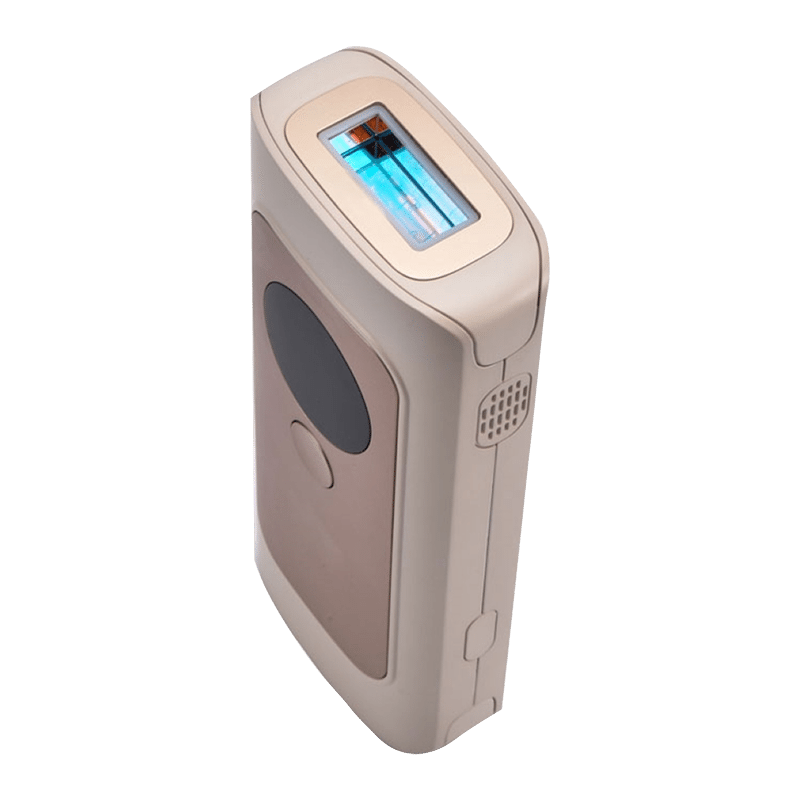
Designed with Numiere's newest sapphire ice-cooling technology, the IPL Laser Hair Removal Device retains a contact temperature below 65°F for full-body sessions even after 30 mins so that you can enjoy nearly painless and skin-safe hair removal treatment from head to toe - including legs, arms, underarms, bikini line, and even your face. Its salon-inspired SHR Mode boasts an astonishing total energy output of 26J per 4-pulse burst, effectively removing even the most stubborn hairs. Choose from fast mode, normal mode, high mode, and SHR mode according to the specific body area being treated and the sensitivity of your skin.
Device, Power Cable, Protective Glasses
7" X 3" X 2"
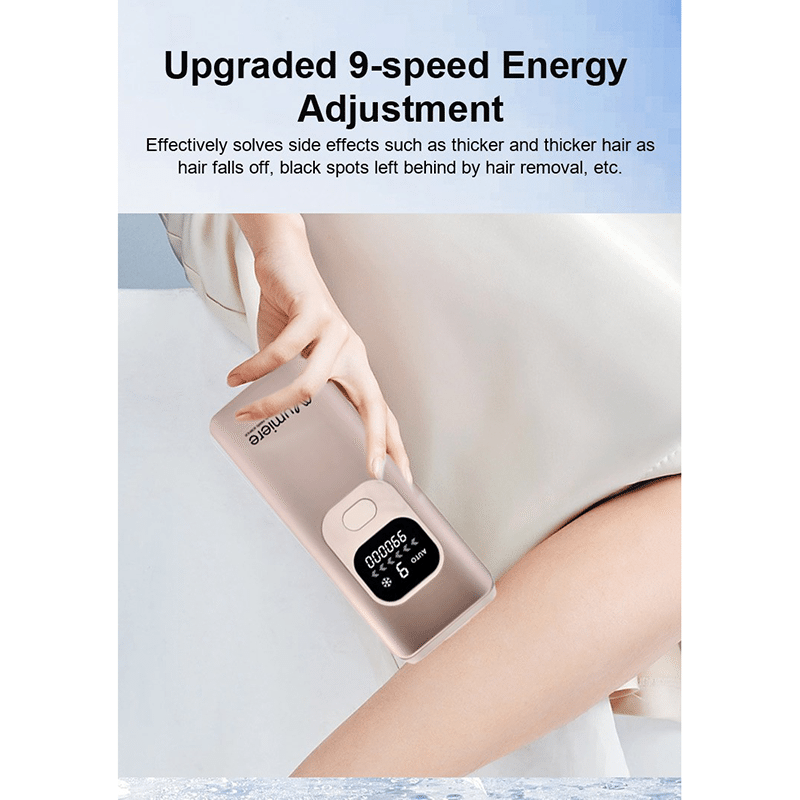
Before every treatment, clean the Skin Contact Surface and filter with a soft cloth. Connect power adapter and press power switch for 2s to switch on the device. You can manually adjust the energy level by pressing the power switch to adjust energy level in the sequence of 1-2-3-4-5-6-7-8-9-8-7-6-5-4-3-2-1 as displayed in the LCD. It is recommended to try from first level when you use the device for the first time and gradually increase the energy level. Wear professional glasses to avoid eye damage. Once the energy level is set, place Skin Contact Surface on skin at an angle of 90° to ensure it contacts with the skin completely, If the Skin sensing symbol on the display stops flashing, press the Flash Button to emit light. If the skin contact surface is not in full contact with the skin, there will be no light emission when you press the Flash Button. When you press the Flash button, the device will flash light once and be accompanied by a gentle, warm tingling feeling. You will feel the warmth of the flash. Move the device to the next hair removal area, The LCD skin sensing symbol stops blinking indicating full skin contact, and then repeat. Manual mode/ Automatic mode The default mode is manual mode. Under manual mode, after device and skin are in contact correctly, press the Flash Button to release a single flash. You can hold the Flash Button for 2 seconds to adjust to the automatic mode. The LCD screen will show "AUTO". Under automatic mode, flash will be automatically emitted when you move the device on the skin on the condition that the Skin Contact Surface has contact to the skin. Over-heat protection Overheat may occur if the device is continuously used for a long time. When the temperature sensing component on the circuit board detects that its temperature has reached 48 degree, the device will stop working. Please allow your device to cool down before restart it. If the device is inactive for 5min, the device will automatically turns off. After use, please turn off the device by pressing the power switch and unplug the power adapter.
ABS
Wipe Clean
This item is not eligible for return and will ship separately from the rest of your order.