© 2026 FabFitFun. All Rights Reserved.
- Privacy Policy
- FabFitFun Membership Terms
- Terms of Use and Sale
- California Supply Chains Act
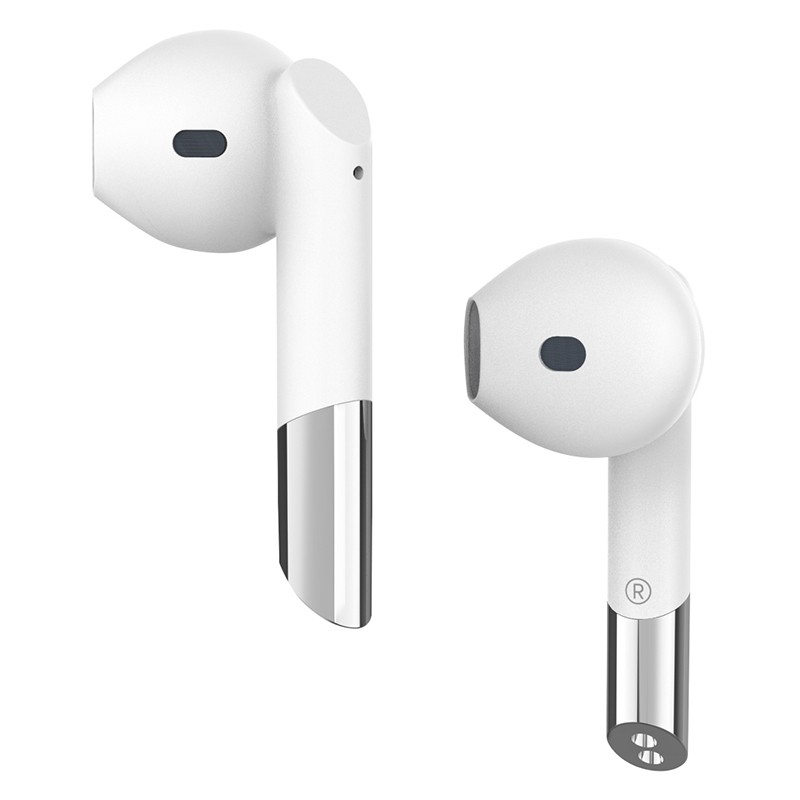
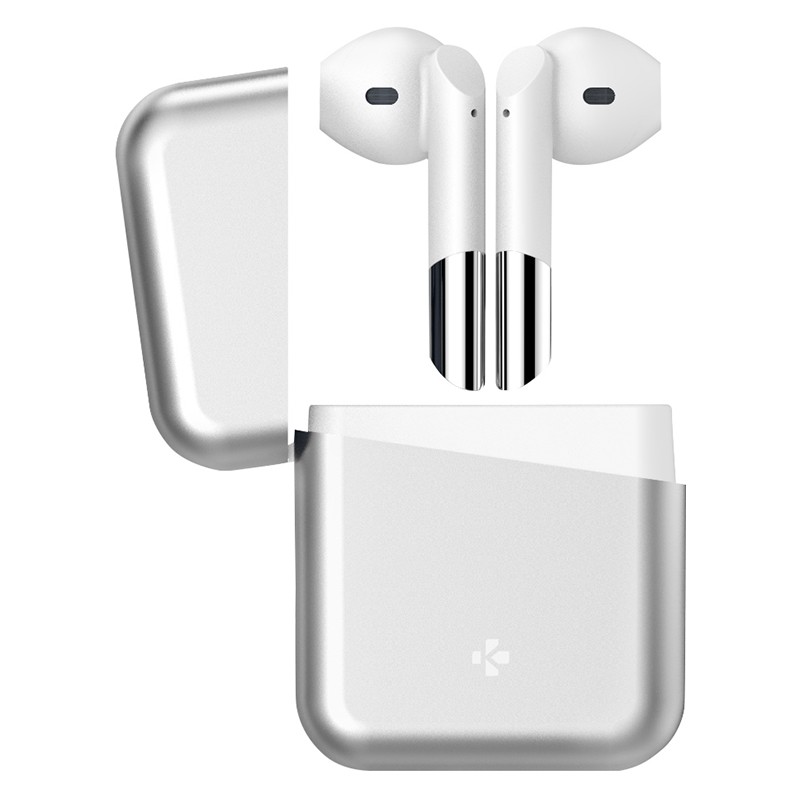
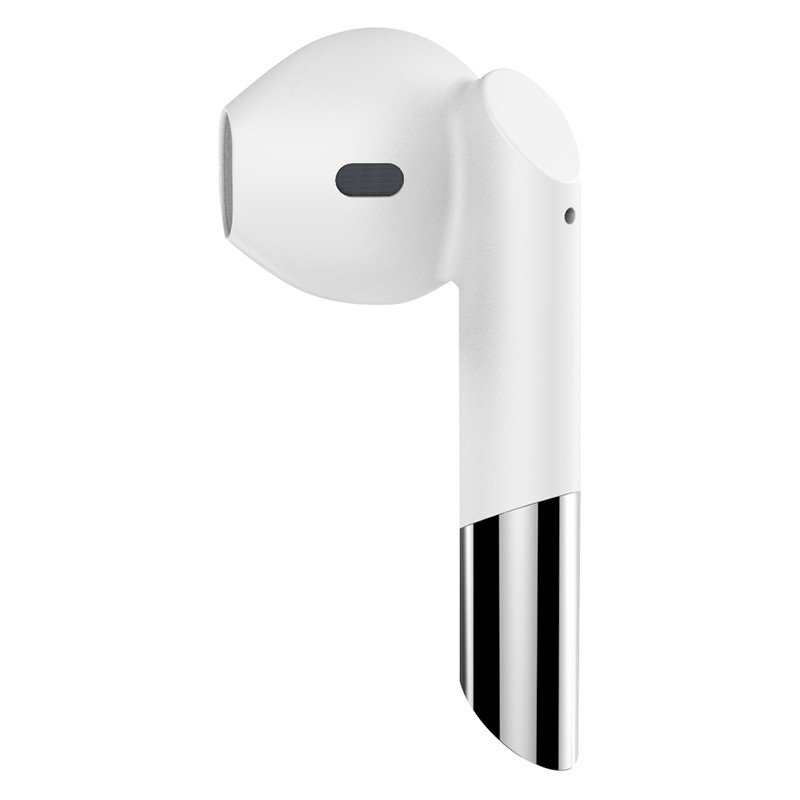
The ZeBuds Premium will heighten your listening experience with their supreme sound, voice commands and crystal clear calls. With onboard controls to change tracks and volume as well as 20 hours of playtime, these will be your new best friend.
ZeBuds Premium, USCB-C Charging Cable, Quick Start guide
Silver
Before the first time use, make sure to fully charge your ZeBuds Premium inside their charging case with the USB-C cable for about 2 hours. 1. Search for the MyKronoz App in the App Store or Google Play store, download and install the App on your MyKronoz device. 2. Open the MyKronoz App on your mobile smartphone. Sign up if you are a new member or login with your existing account. 3. Ensure the Bluetooth? is enabled on your smartphone. 4. Then, follow the on-screen instructions. 5. When your Zebuds are successfully paired, you will be notified on your mobile device's screen and white LED on either earbud will stay solid state for one second then turned off.
ABS | ABS/Aluminum
iPhone/Android, Stereo music & calls Bluetooth 5.0 10M operating range HD Dual microphone Voice commands Ambient noise attenuation Intuitive touch controls Ergonomic design USB-C Connector Up to 4 extra charges IPX4 Splash proof