© 2026 FabFitFun. All Rights Reserved.
- Privacy Policy
- FabFitFun Membership Terms
- Terms of Use and Sale
- California Supply Chains Act
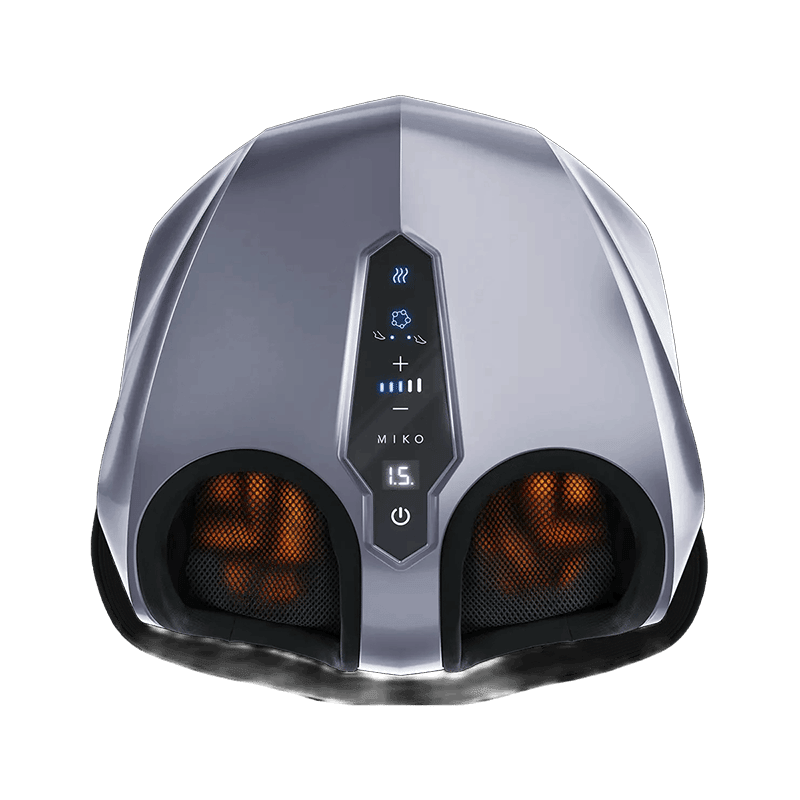
Y2 is bringing the home foot massage experience to a whole new level. Featuring Petrissage Max Technology, various massage modes, target heat, and effortless wireless control, Y2 is truly a treat for yourself or anyone you love.
Y2 Foot Massager, User Manual, Warranty Card, Remote, Adapter
Petrissage Max Technology, Air Compression, Infrared Heat, Wireless Remote Control
15.7" X 15.7" X 8.7"
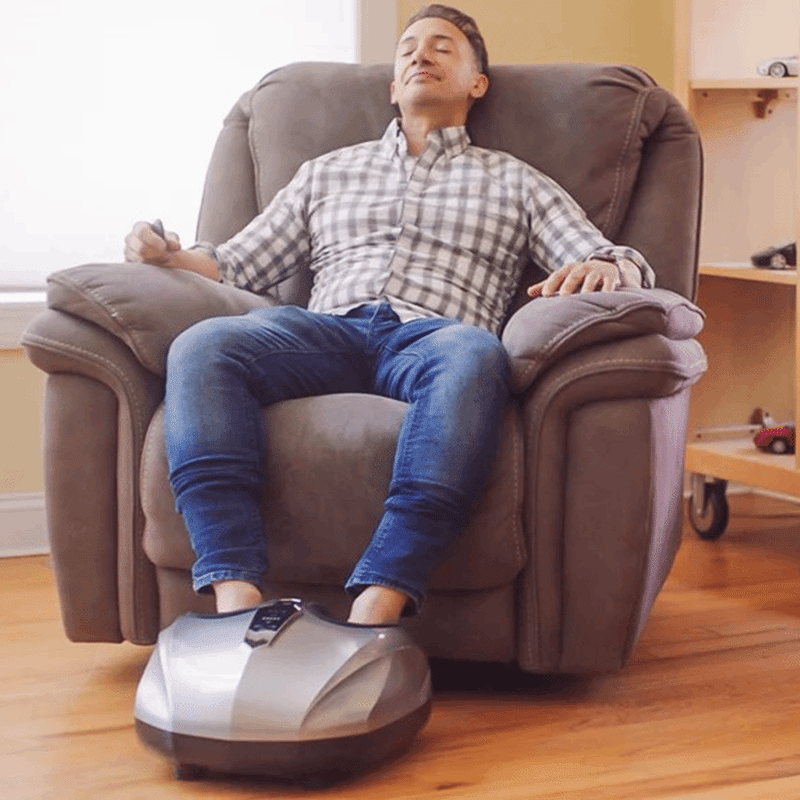
Connect the adapter to the massager, then plug into the wall outlet. The power button will start flashing red. Choose a comfortable chair of equal height. Place your legs into the slots and relax. Press the power button to turn the massager on. The unit will beep one time and start with P1(Pressure level 1) and the Heat Mode on. The LCD will start a 15-minute countdown. There are a total 5 pressure levels. P1 is the lowest and P5 is the highest. Press the + button to increase the massage intensity and press the - button to decrease the massage intensity. P1: Lowest level, - button will be SOLID light, LCD displays P1 P2: Second level, - button will be FLASH light, LCD displays P2 P3: Third level, - button and + button will be FLASH light, LCD displays P3 P4: Fourth level, + button will be FLASH light, LCD displays P4 P5: Fifth level, + button will be SOLID light, LCD displays P5 You will feel the air pressure increasing and then releasing during the duration of the massage. For optimal massage experience, you will feel the change of direction and type of massage. During the massage, feel free to change levels by pressing + and - buttons according to your comfort level. The heat will gently rise up to the perfect temperature in a few minutes. You can turn the heat off any time by pressing the Heat Mode button. ( The red light will be off indicating that the heat function is off) To turn the unit off at any time, just press on the power button. The next time you turn it back on, it will start a new 15-minute massage session with P1 and heat on. Unplug the unit when done using the massager.
ABS, Metal, Fabric
Before cleaning, always make sure to turn off the unit from the control panel first, then unplug from the electrical outlet. Do not use any abrasive cleaners when cleaning the unit. Use a dry cloth when cleaning the massager. Never use the damp cloth to clean the control panel and massager unit. When not in use for a long time, store the massager in a dust and moisture free environment with the cord coiled. Do not wrap the cord around the unit. Do not leave the unit under direct sunlight for an extended period of time. Do not store the massager unit near the heat source. If the massager unit malfunctions or breaks down, never try to repair it yourself, contact MIKO service center.
This item is not eligible for return and will ship separately from the rest of your order.