© 2026 FabFitFun. All Rights Reserved.
- Privacy Policy
- FabFitFun Membership Terms
- Terms of Use and Sale
- California Supply Chains Act
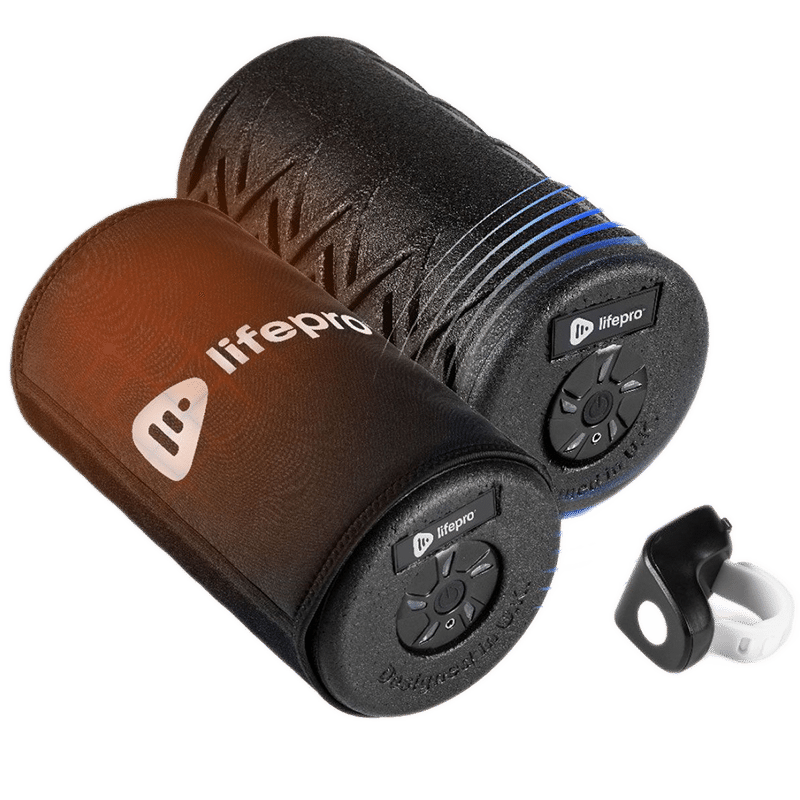
LifePro leads the way with trailblazing technology. This dense foam roller is the FIRST heated vibrating roller ever produced, combining deep compression, vibrations and soothing heat at 122° to boost blood flow, increase flexibility and accelerate healing.
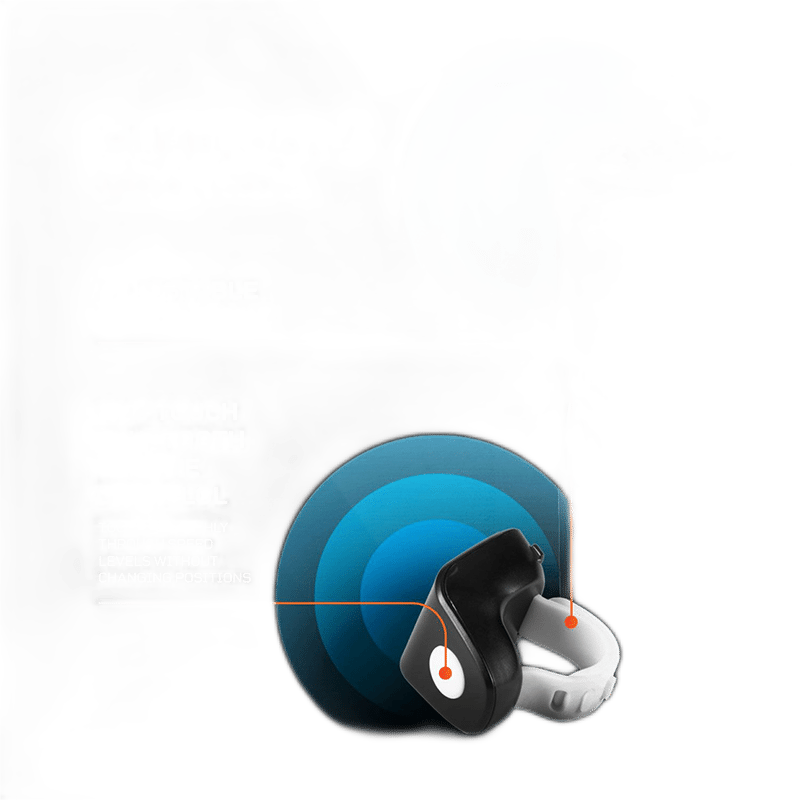
Lifepro Surger Pro Vibrating Foam Roller, AC Charging Adapter, Bluetooth Hands-Free Remote Control, Heating Pad
5 different massage speeds
Surger Pro: 11.6” × 5.9” × 5.9” | Heating Pad: 12.2” × 15”
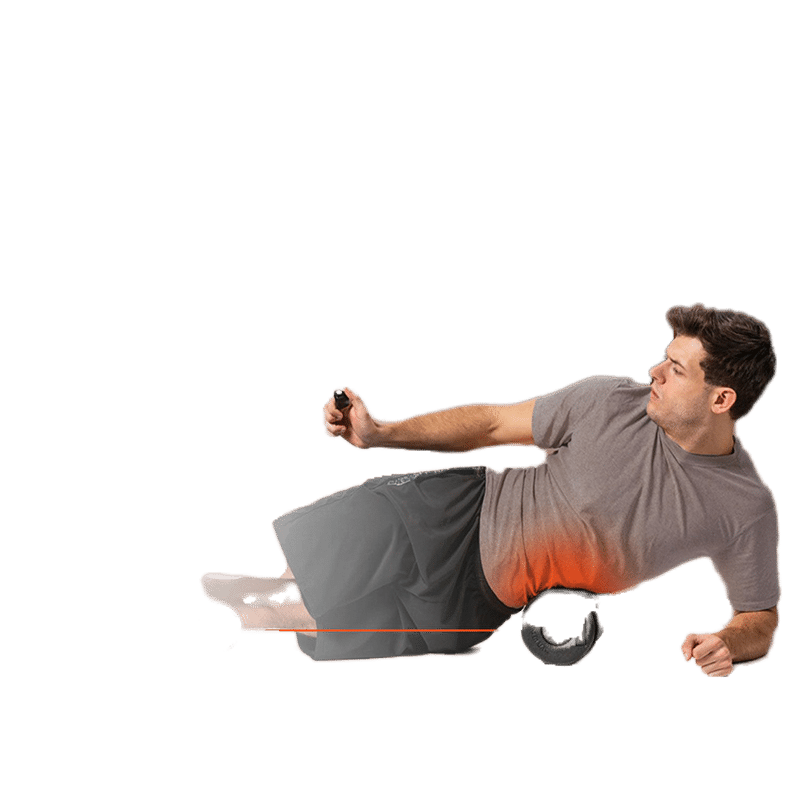
SURGER PRO: Press the Power/Speed button on the end of the Surger Pro to power on the device. The Power indicator LED will light up. Press the Power/Speed button to toggle through the 5 vibration speed levels: press once for speed level 1, twice for speed level 2, three times for speed level 3, four times for speed level 4, and five times for speed level 5. Press the Power/Speed button a sixth time to turn off vibration. At the desired vibration speed, roll a muscle group across the Surger Pro. Apply pressure as needed. The unit will auto shutdown after 10 minutes of use. To continue using, just press the Power/Speed button to power on the unit again. || HEATING PAD WITH THE SURGER PRO: Connect the heating pad’s USB cable to the USB output port on the Surger Pro. Press the Power/Speed button on the Surger Pro to turn it and the heating pad will begin to heat. Allow the heating pad to pre-heat for about 20–30 seconds. Lay on the heating pad to warm up your muscles. Begin your massage with the Surger Pro. Press the Power/Speed button on the Surger Pro to turn off the foam roller and heating pad immediately after use. NOTE: The heating pad can only be used with the Surger Pro. Do not connect the heating pad’s USB cable to any other USB output port.
Surger Pro: Foam, Rubber, Plastic | Heating Pad: Non-woven fabric
Use a slightly damp cloth or soft towel to wipe any dirt or moisture from Surger Pro and heating pad after use. Do not use solvents or other chemicals.
This item is not eligible for return and will ship separately from the rest of your order.