© 2026 FabFitFun. All Rights Reserved.
- Privacy Policy
- FabFitFun Membership Terms
- Terms of Use and Sale
- California Supply Chains Act
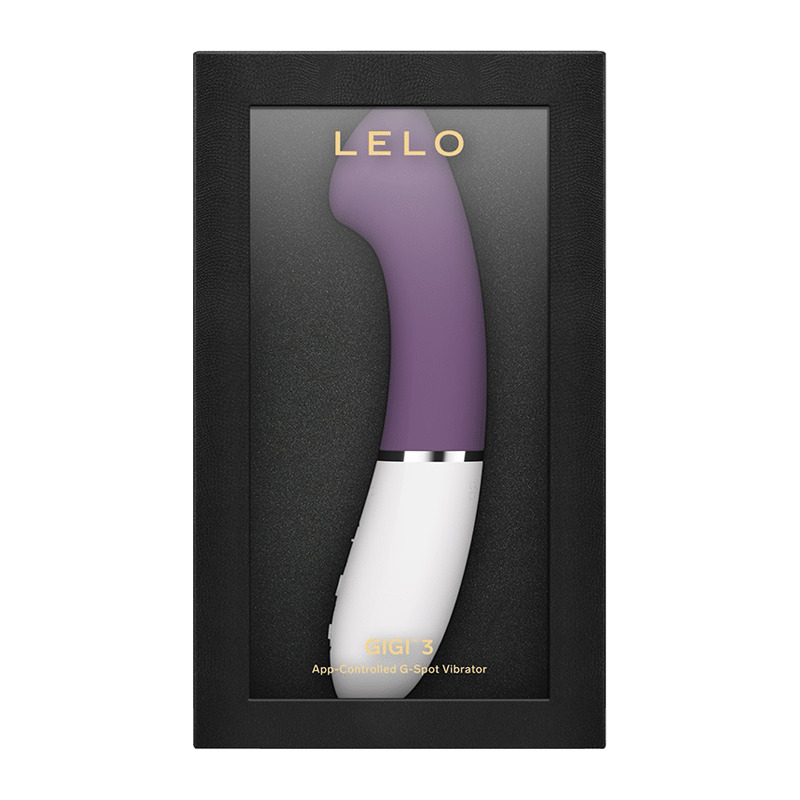
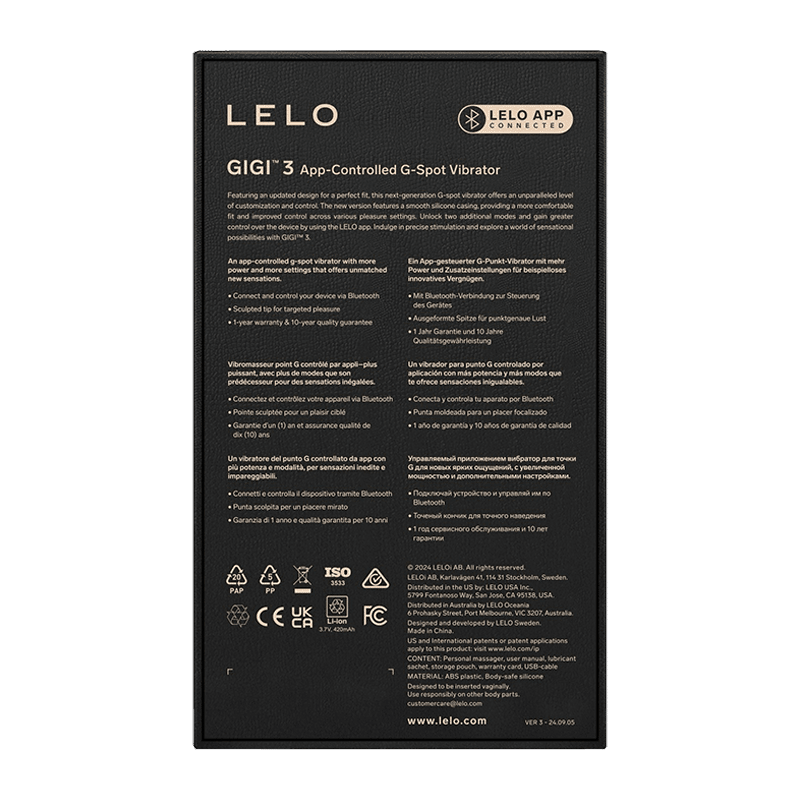
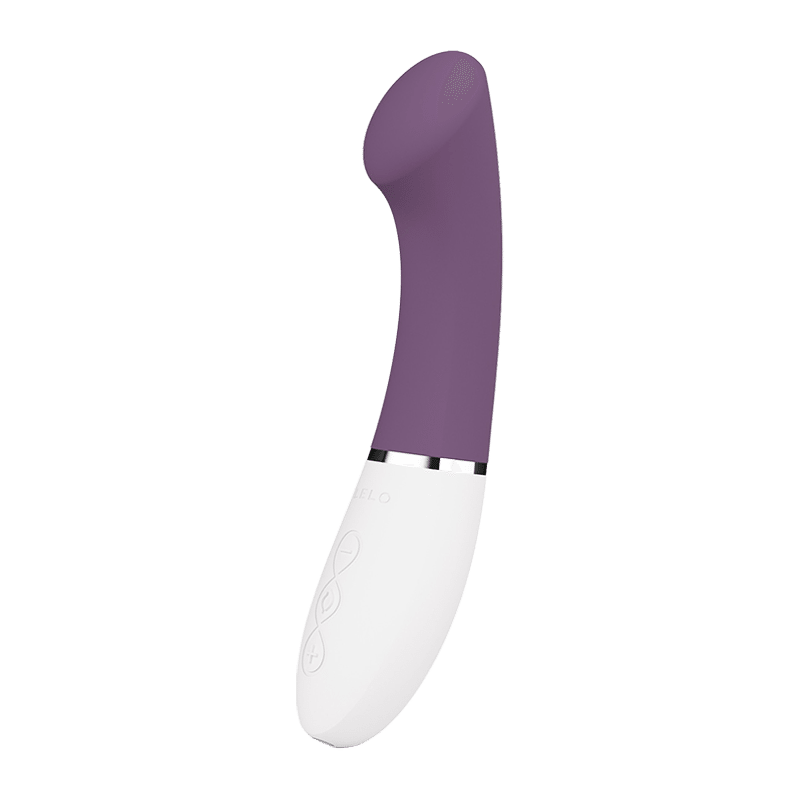
Our latest G-spot vibrator, GIGI 3, features a redesigned shape for an optimal fit, delivering unmatched customization and precise control. This newest model is crafted with a soft silicone exterior, ensuring a comfortable, luxurious feel while enhancing control across multiple pleasure settings. With the LELO app, users can unlock two additional modes and fine-tune their experience for truly personalized stimulation. It's time to discover targeted G-spot pleasure and an exciting range of sensations with the new GIGI 3. Key Features 8 Powerful Pleasure Settings GIGI 3 offers eight distinct vibration patterns, ranging from a teasing murmur to a deeply satisfying pulse. App-Connected Special Features With app connectivity, users can unlock two additional modes: Finish Me and Out of Control, for enhanced customization and control. Sublime Design for Precise Pleasure The flattened tip is perfectly shaped to channel deep, powerful vibrations for targeted G-spot massage. Double Trouble for Twice the Fun The innovative, flip-over tip design allows GIGI 3 to function as both a premium G-spot vibrator and a clitoral massager. Information on this site is for reference purposes only. Product manufacturers provide all nutrition / ingredient / allergen and other product information. FabFitFun does not represent or warrant that this information is accurate or complete. On occasion- manufacturers may improve or change their product formulas and update their labels and such changes may not be represented here. We recommend that you contact the manufacturer directly if you have specific product concerns or questions. If you have specific healthcare concerns or questions about the products displayed- please contact your licensed healthcare professional.
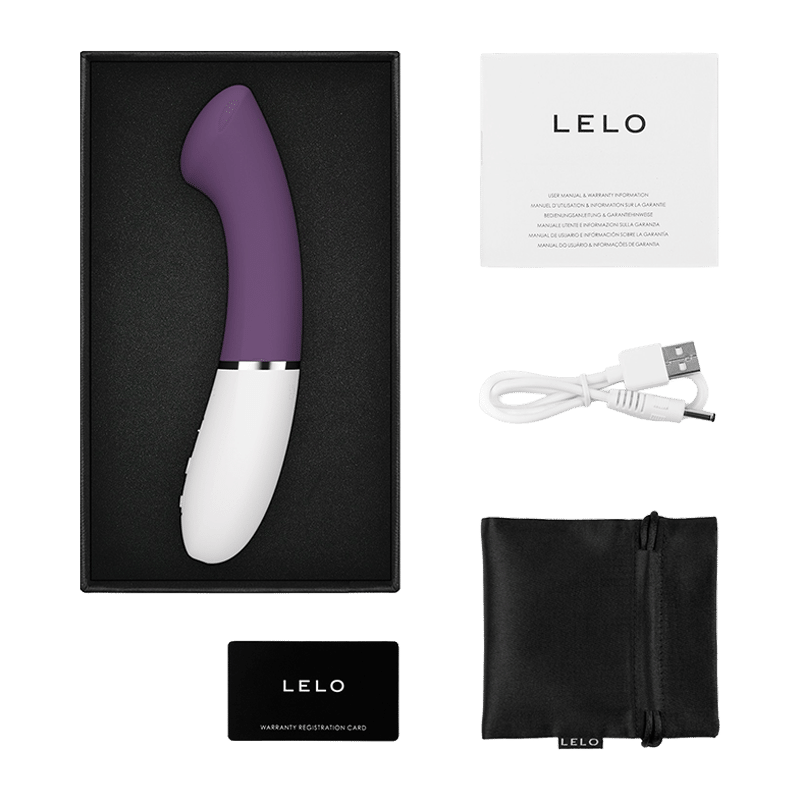
GIGI 3, Charging Cable, Storage Sleeve, Warranty Card
6.42" X 1.38" X 1.65"
How to Use GIGI 3 Without the LELO App Before first use, fully charge your GIGI 3 for 2 hours. Press the (+) or (-) button to turn on the device. Press the (( )) button to cycle through the 8 vibration modes. Use the (+) and (-) buttons to increase or decrease intensity. To turn off, press and hold the (( )) button. Alternatively, press the (+) and (-) buttons simultaneously to turn off and lock the device. How to Use GIGI 3 With the LELO App Before first use, fully charge your GIGI 3 for 2 hours. Download the LELO App for iOS or Android. Press and hold the (( )) button for 3 seconds to turn on the device and activate Bluetooth. All LED lights will blink simultaneously, indicating Bluetooth pairing mode. Open the LELO App and locate the toy icon at the bottom of the screen. Select GIGI 3, tap Connect, then press and hold the button on your device. Confirm the connection by pressing the button on the product again. Go to My LELO Toys and select Play. Choose between three regular modes: Manual, Screw, or Shake, or unlock two advanced modes: Finish Me and Out of Control. Navigate to Settings to customize your experience. Tap Save to store your preferences for offline use. Use the drop-down menu to set the auto power-off to 10-20 minutes. The battery level is displayed in the upper-left corner of the screen.
Body-safe silicone, ABS plastic
Care & Cleaning Instructions for GIGI 3: Using GIGI 3 with hand creams or silicone-based lubricants may cause the silicone to become permanently tacky. Always use compatible, water-based lubricants. Fully waterproof design makes cleaning simple. Rinse your device, spray with LELO Toy Cleaner, rinse again, and allow it to air dry. Clean thoroughly before and after each use. Wash the silicone with warm water and antibacterial soap, rinse with hot water, and gently pat dry with a lint-free cloth or towel. Do not use cleaners containing alcohol, petrol, or acetone, as these can damage the silicone. Avoid leaving GIGI 3 in direct sunlight and never expose it to extreme heat. Store your device in a dust-free place and keep it separate from other materials or products to maintain its quality.