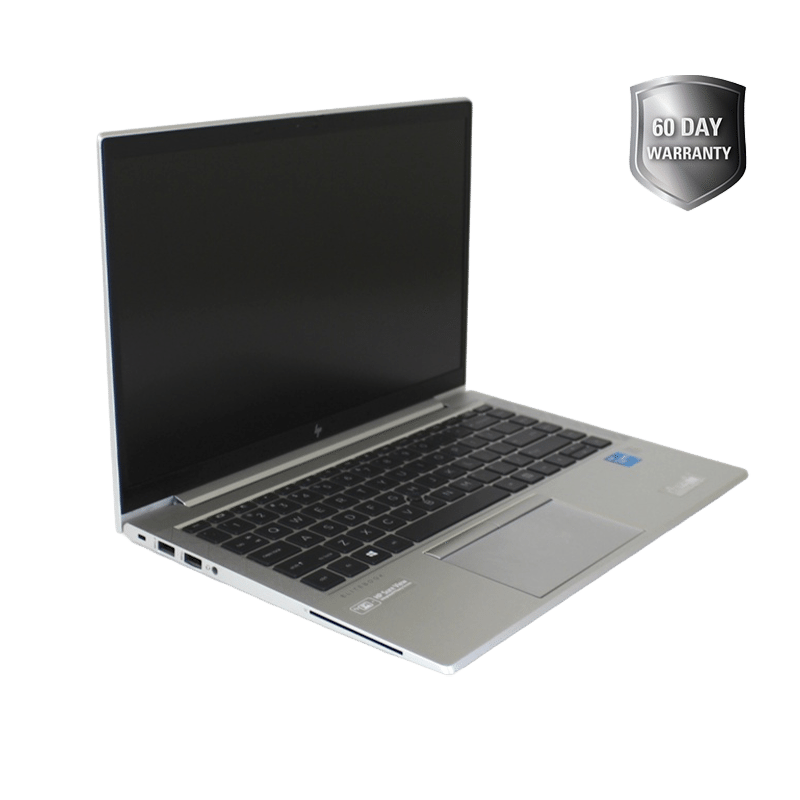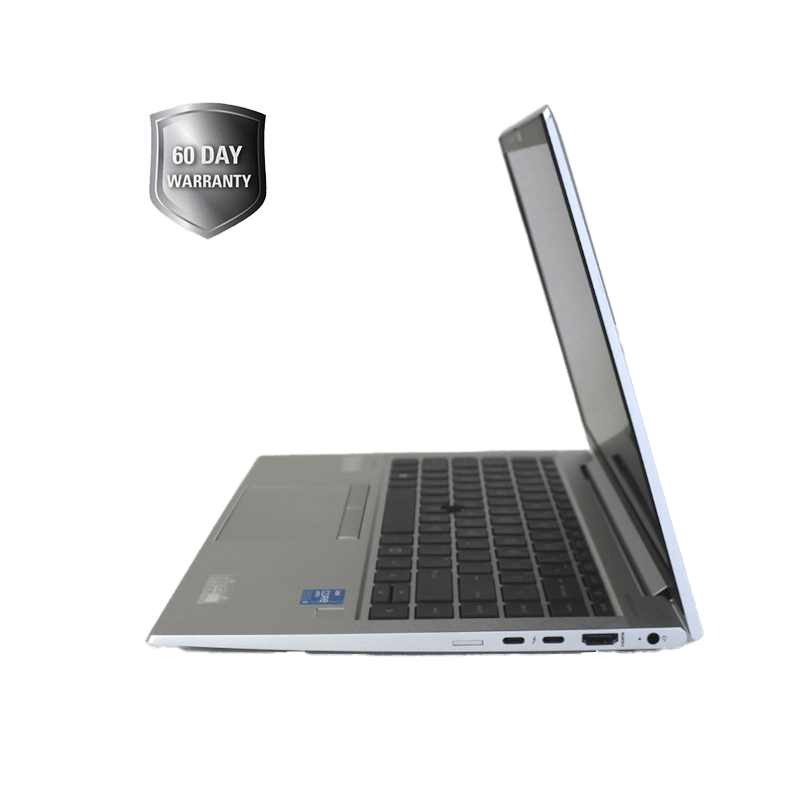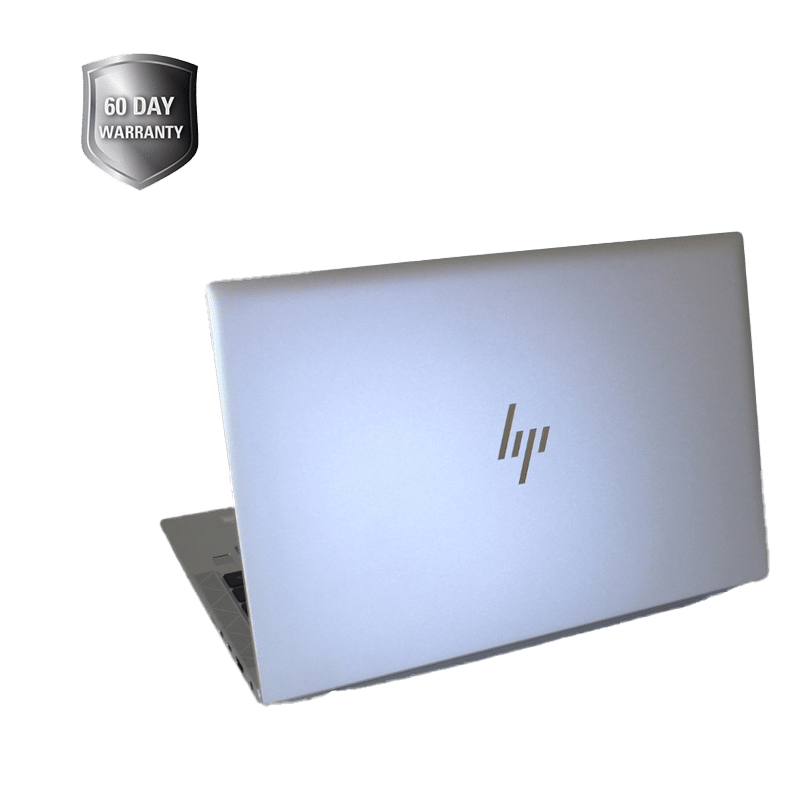
Experience seamless productivity and power with the HP EliteBook 840 G8 Notebook, a professionally renewed 14" laptop built for performance, portability, and professional use. Featuring an 11th Gen Intel® Core™ i5 processor, ultra-fast 512GB SSD, and 16GB of RAM, this device is optimized for multitasking, remote work, business, and everyday computing. Pre-installed with Windows 11 Pro, the EliteBook G8 offers advanced security, a user-friendly interface, and compatibility with the latest apps and tools. Whether you’re working on the go or from a home office, this laptop delivers enterprise-level reliability in a sleek, compact form. To ensure your satisfaction, your purchase is backed by a 60-day warranty from the date of delivery. If you encounter a hardware issue within this period, we’ll offer a prompt replacement, subject to stock availability. If a replacement is not available at the time of your claim, a full refund will be issued once the product is returned and verified.
Renewed 512GB EliteBook 840 G8 Notebook with Windows 11 Pro, Charging Cord
18" X 14" X 4"
Unbox and Inspect: Open the package and ensure the laptop and charger are present and undamaged. Plug In and Power On: Connect the charger to the laptop and a power outlet. Press the power button (usually located at the top right above the keyboard). Initial Setup (if prompted): Follow the on-screen instructions to set up your Windows 11 Pro account. Connect to Wi-Fi, sign in to a Microsoft account (or create a local one), and personalize your settings. Get Updated: Once logged in, check for updates: Start > Settings > Windows Update > Check for updates Install any available updates to keep your system secure and optimized. Install Your Apps: Download and install any necessary software (e.g., Office, browsers, business tools). Use the Microsoft Store or install from trusted sources. Start Working: Open your preferred browser, access cloud services, or begin using software right away! Don't forget to back up your files regularly using OneDrive or an external drive.
Aluminum, Glass, Plastic, Internal Electronic Components
110/120V
Keep it Clean: Use a soft microfiber cloth to gently wipe the screen and keyboard. Avoid harsh cleaners use electronics-safe cleaning sprays or isopropyl alcohol (70% or less) on cloth only. Protect from Spills & Dust: Use a keyboard cover and keep liquids away from the laptop. A carrying sleeve or case is recommended for travel or daily transport. Ventilation is Key: Ensure proper airflow around the device. Avoid using it on soft surfaces like beds or couches that can block ventilation. Battery Health: Avoid letting the battery drain completely. When plugged in for extended periods, occasionally unplug to preserve long-term battery health. Storage: When not in use for long periods, power down completely and store in a cool, dry place.
This item is not eligible for return and will ship separately from the rest of your order.