© 2026 FabFitFun. All Rights Reserved.
- Privacy Policy
- FabFitFun Membership Terms
- Terms of Use and Sale
- California Supply Chains Act
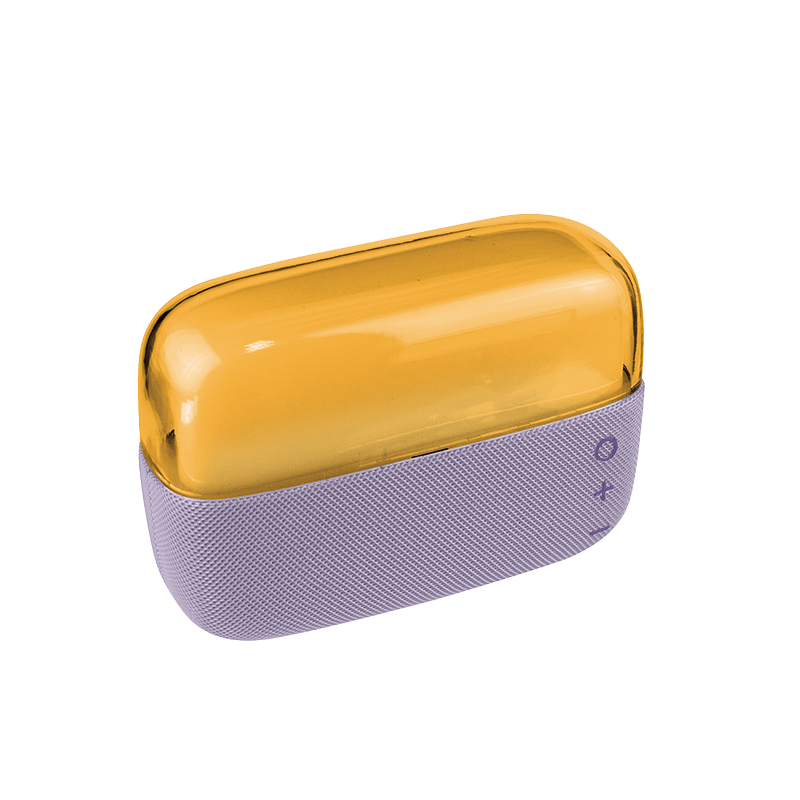
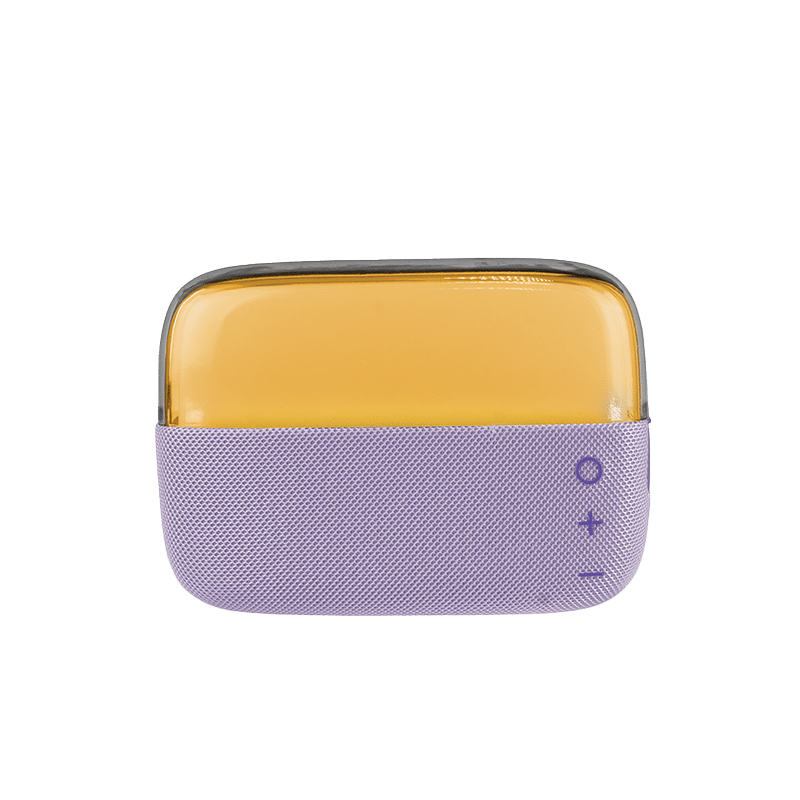
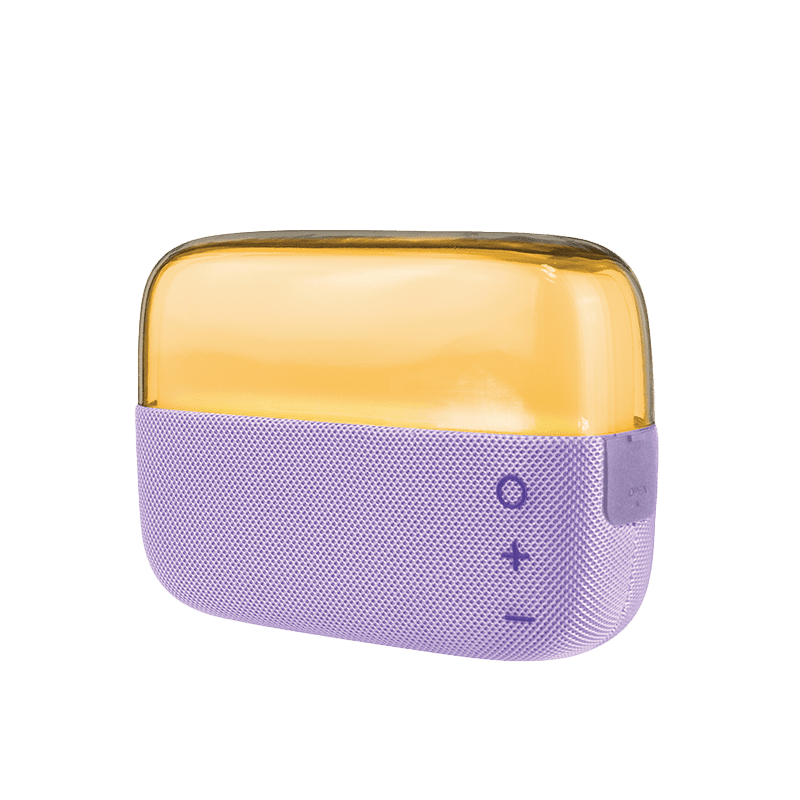
Introducing the CYLO acrylic bluetooth speaker, where style meets superior sound. This cutting-edge speaker combines sleek design, vibrant lighting, and advanced audio technology to elevate your music-listening experience to a whole new level.
Bluetooth Speaker, Charging Cable, User Manual
4.25" X 6" X 2"
CHARGING DEVICE: Before using this speaker for the first time, charge for 24 hours. Plug the Micro end of the charging cable into the port on the speaker. Plug USB end into a computer's USB port or a compatible AC wall adapter. The red LED will turn on to indicate the device is charging. Once fully charged, the red LED will turn off. When Battery is low, approximately 2 hours of charging time is needed to fully recharge the battery. PAIRING THE DEVICE: Place speaker within 33ft/10m of Bluetooth enabled device. Press and hold the ON/OFF button. A series of tones will sound to indicate that the speaker is in pairing mode. On your device's Bluetooth menu, find and select CYLO BLUE TOOTH SPEAKER(you may be required to enter a password "0000"). A tone will sound when pairing is complete. BASIC INSTRUCTIONS: To turn speaker on, press and hold the ON/OFF button. The speaker will emit a series of tones indicating it is in pairing mode. Once successfully paired the speaker will automatically connect to the last paired Bluetooth device. The speakers LED lighting effect start up default is color changing breathing mode. The speaker will beep every 20 seconds when battery is low. The speaker will automatically turn off when not in use for over 5 minutes. To turn speaker off, press and hold the ON/OFF button.
ABS Plastic, Nylon
Compatible with all Bluetooth enabled devices
Images are of LED light on