© 2026 FabFitFun. All Rights Reserved.
- Privacy Policy
- FabFitFun Membership Terms
- Terms of Use and Sale
- California Supply Chains Act
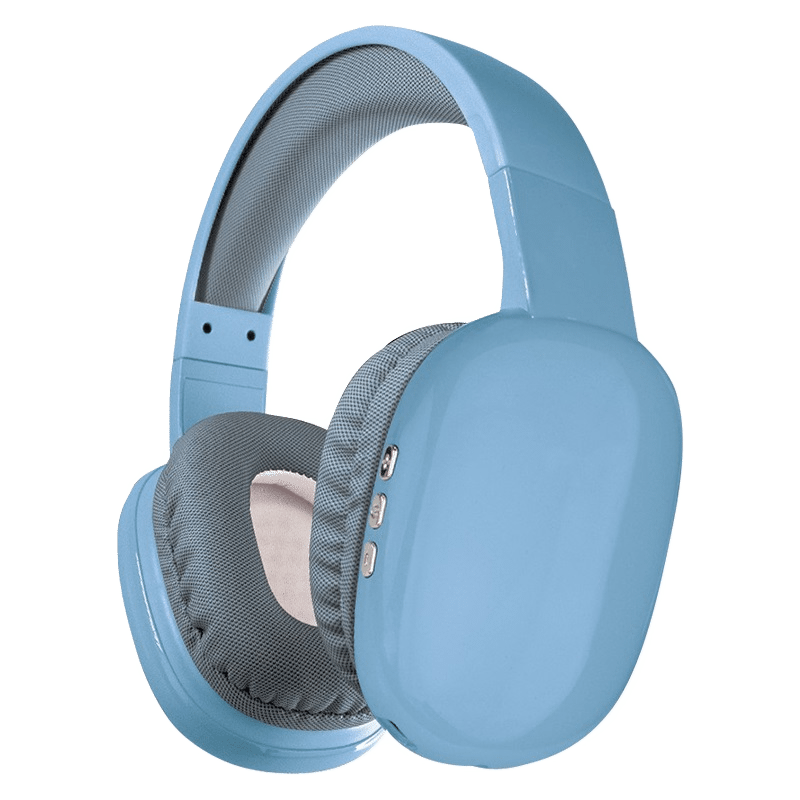
Introducing the CYLO wireless headphones, the perfect companion for your on-the-go lifestyle. These headphones offer a seamless and wireless audio experience, combining impressive playtime, reliable connectivity, and a lightweight design.
Wireless Headphones, 3.5mm Aux Cable, Charging Cable,
7.5" x 6.25" x 2.75"
Charging: Before using the headphones for the first time, ensure they are fully charged. Connect the included USB charging cable to the headphones and the other end to a USB power source. The LED indicator on the headphones will light up or change color to indicate that they are charging. Once fully charged, the LED indicator will turn off or display a steady light. Powering on/off: To power on the headphones, press and hold the power button until you see the LED indicator light up or hear a sound indicating that the headphones are powered on. To power off the headphones, press and hold the power button again until the LED indicator turns off. Pairing via Bluetooth: Activate Bluetooth on your device (e.g., smartphone, tablet, or computer). On your device's Bluetooth settings, search for available devices and select "CYLO Wireless Headphones" or a similar identifier to establish the Bluetooth connection. Once connected, you will hear a sound or see an on-screen prompt indicating a successful pairing.
ABS Plastic
Compatible with all Bluetooth enabled devices