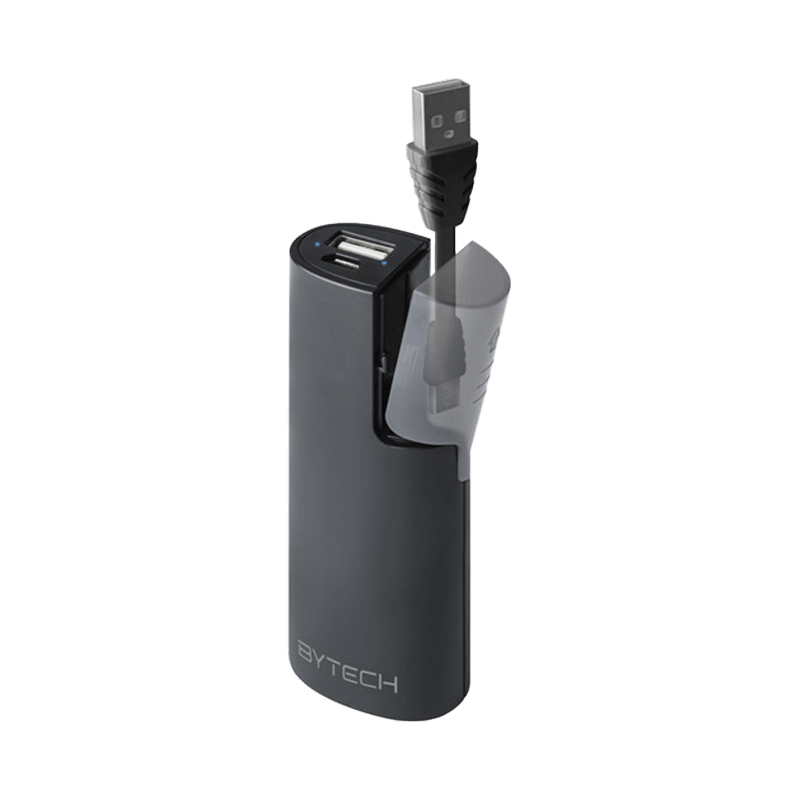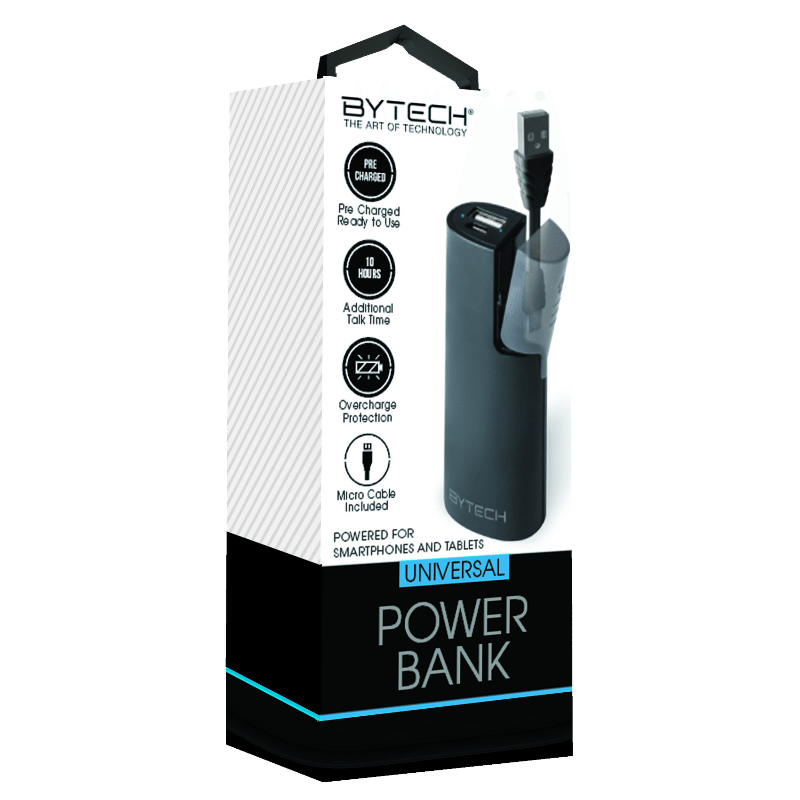
Never get caught with a low battery again! The Bytech PowerBuddy Power Bank is your reliable companion for staying powered up on the go. This sleek and compact power bank comes equipped with a built-in charging cable, making it easier than ever to charge your devices anytime, anywhere without the hassle of carrying extra cords.
Power Bank, User Manual, Charging Cable
2" X 5" X 2"
Connect the power bank to a power source using the included charging cable or another compatible USB cable. Use the built-in charging cable to connect your smartphone or other devices. If the power bank has multiple ports, connect the devices using appropriate cables. Press the power button (if available) to check the remaining battery life. If the power bank supports multiple devices, connect additional devices using compatible cables. The power bank will usually turn off automatically when not in use. Avoid using the power bank while it's being recharged, as this can generate excess heat and strain the battery.
Plastics, Internal Electronic Components
iPhone/Android
Use a soft, dry cloth to clean the surface of the power bank. Fully charge the power bank before its first use. To prolong battery life, avoid letting the charge drop to 0% frequently. Do not expose the power bank to high temperatures, direct sunlight, or moisture. Handle the built-in charging cable with care. Store the power bank in a cool, dry place when not in use.
This item is not eligible for return and will ship separately from the rest of your order.